
Select or unselect all
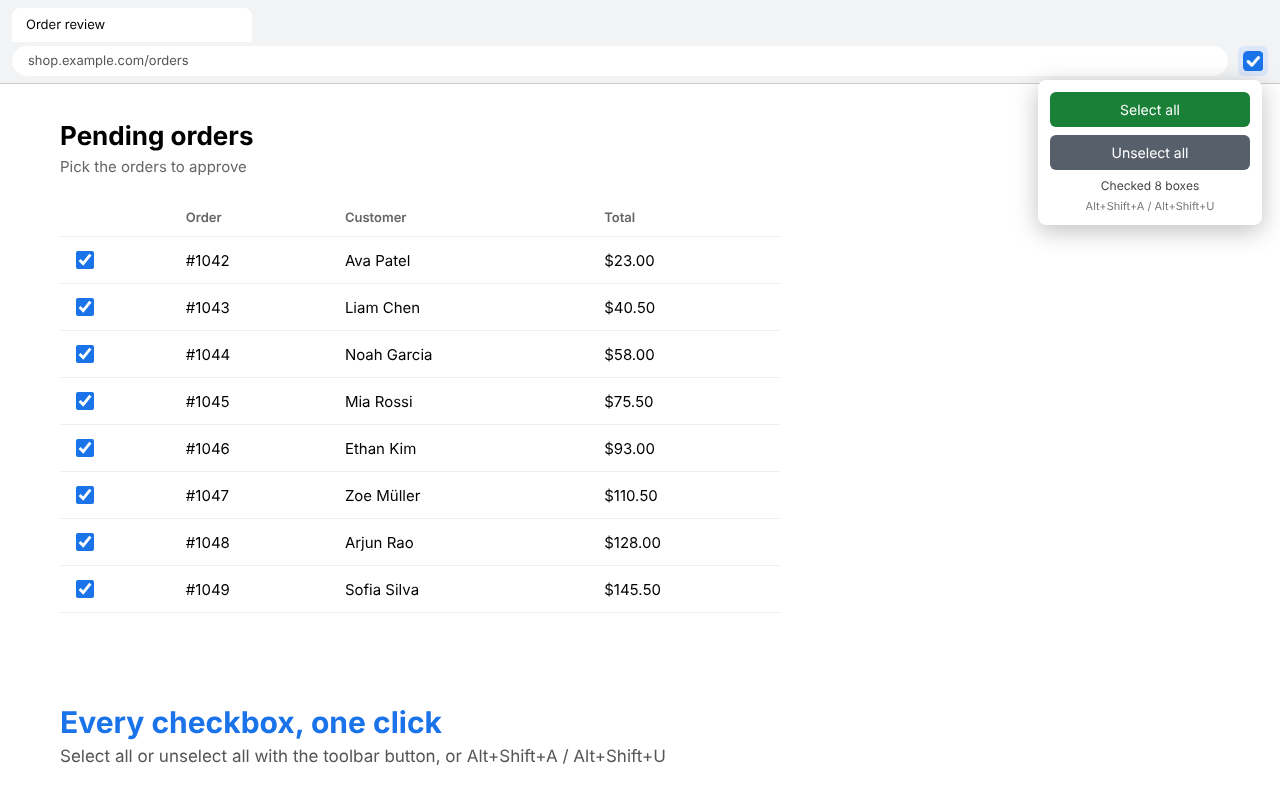
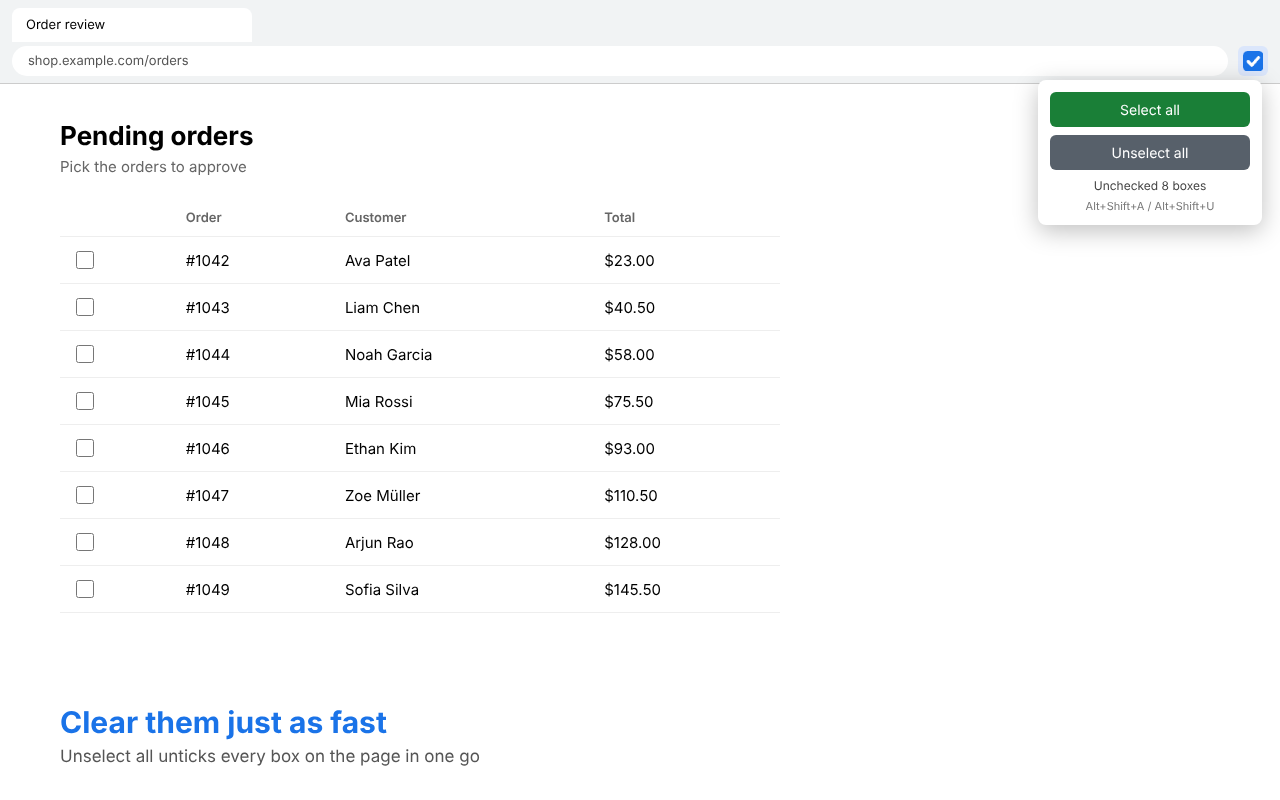
A toolbar popup with two buttons, and a count of how many boxes changed.
Chrome extension · Free · On the Chrome Web Store

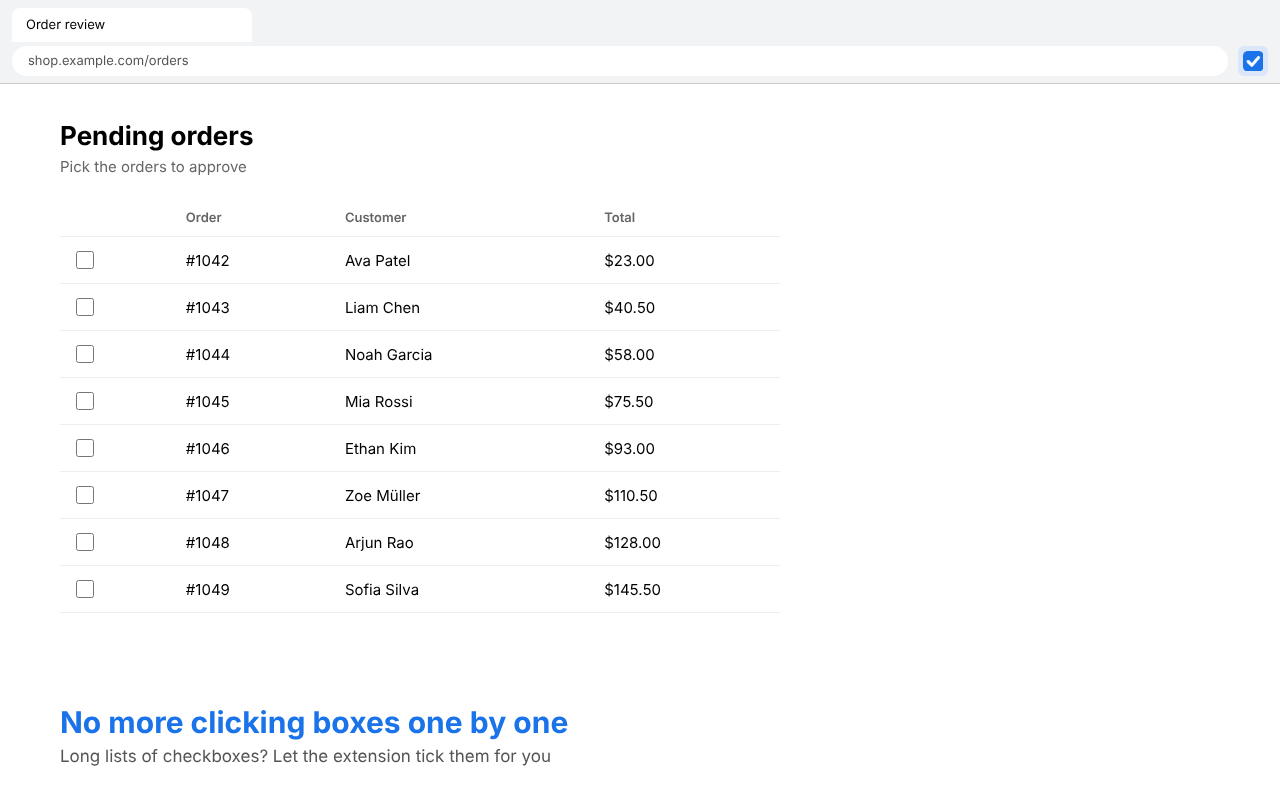
Check or uncheck every checkbox on a page with one click or a keyboard shortcut. Long order lists, email inboxes, settings pages, done in a second.
What it does
A toolbar popup with two buttons, and a count of how many boxes changed.
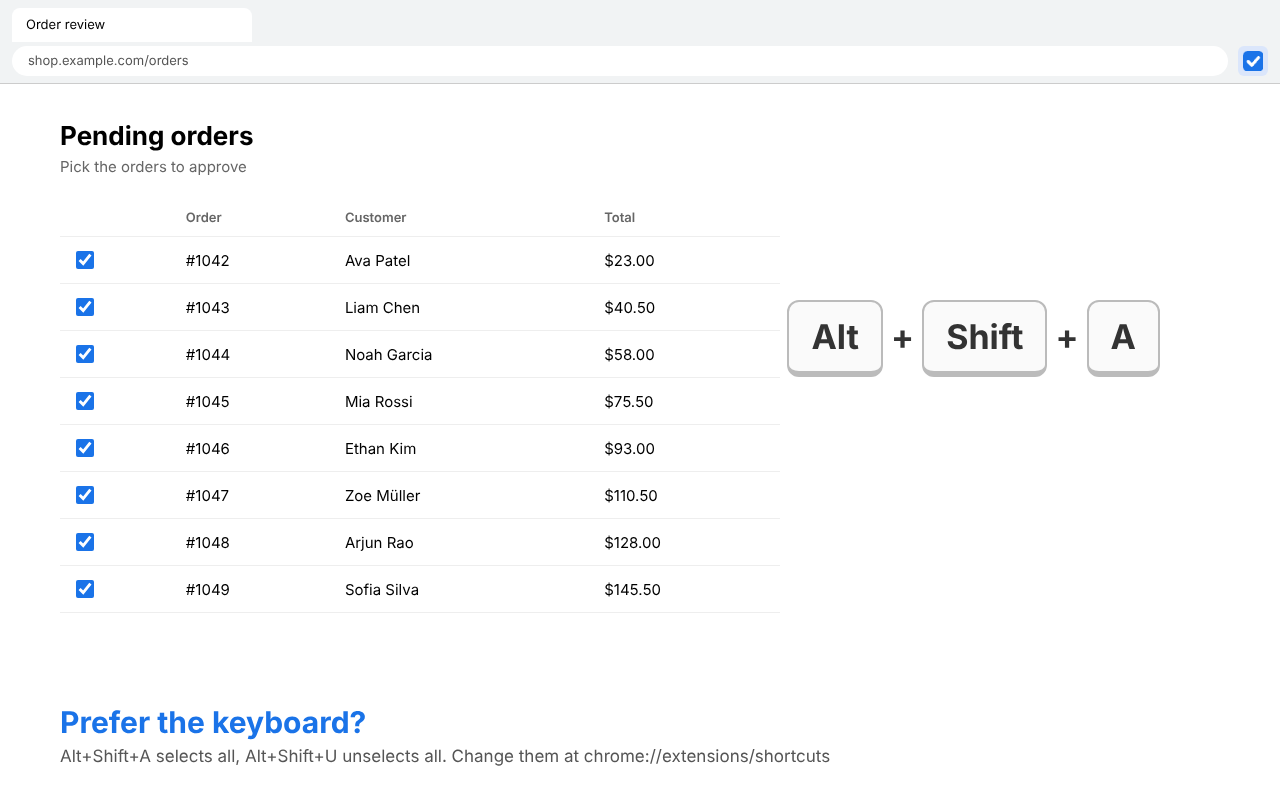
Alt+Shift+A selects all, Alt+Shift+U unselects all.
Handles same-origin iframes, web components and custom role="checkbox" controls.
Radio buttons, on/off switches, text fields and disabled boxes are left alone.
See it in action
Install
Change the shortcuts at chrome://extensions/shortcuts. Chrome doesn't let extensions run on chrome:// pages or the Chrome Web Store.